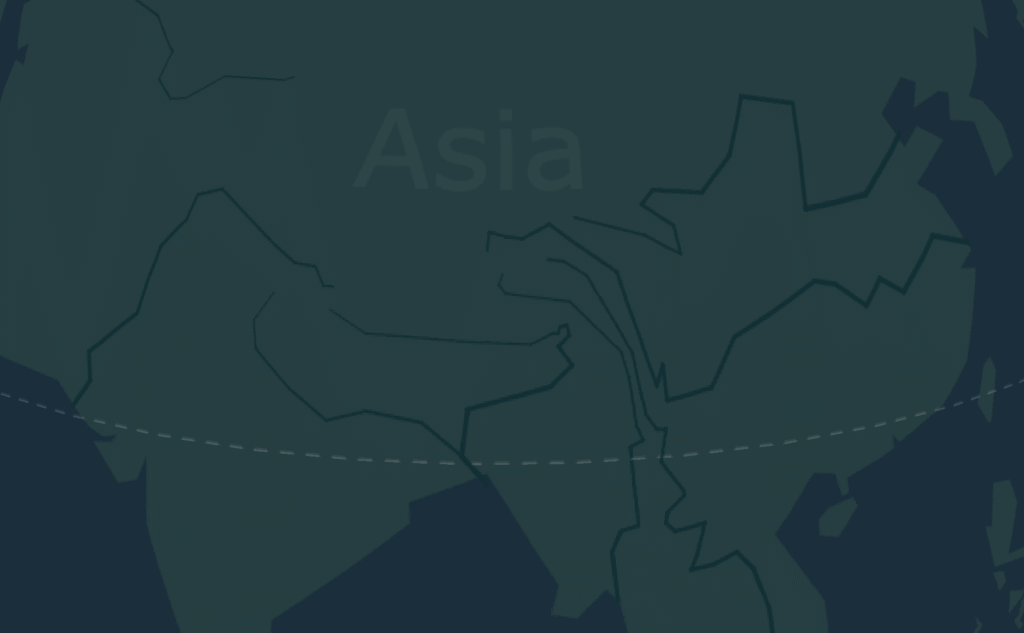
I recently came across a site where you can draw flight routes on a 3D globe. It doesn’t have as many features as gcmap, but it’s more interactive that I can spin around and explore freely. The visual style leans toward geometric and minimalistic, and the colors for the globe and routes are easy on the eyes. I could get some pretty sharp-looking visuals out of it: https://globetrotter3d.com
When entering routes info, it accepts both airport codes (like PEK or HKG) or full city names, but I found airport codes tend to be more accurate, since some cities share the same name (e.g. San Jose, Sydney, La Paz, etc). There are three styles of routes: air, land, or water/sea.
One thing I personally like is that it supports bulk input, which often saved me a lot of time. E.g. I can enter multi-stop routes like “Beijing–Shanghai–Tokyo–Sapporo,” or use a “hub-and-spoke” format like “Guangzhou–[Beijing, Shanghai, Chengdu, Kunming]” to create multiple routes from a single city hub. If sometimes I’ve got a long list, I’d just prep it in a separate doc and paste it in once it’s ready.
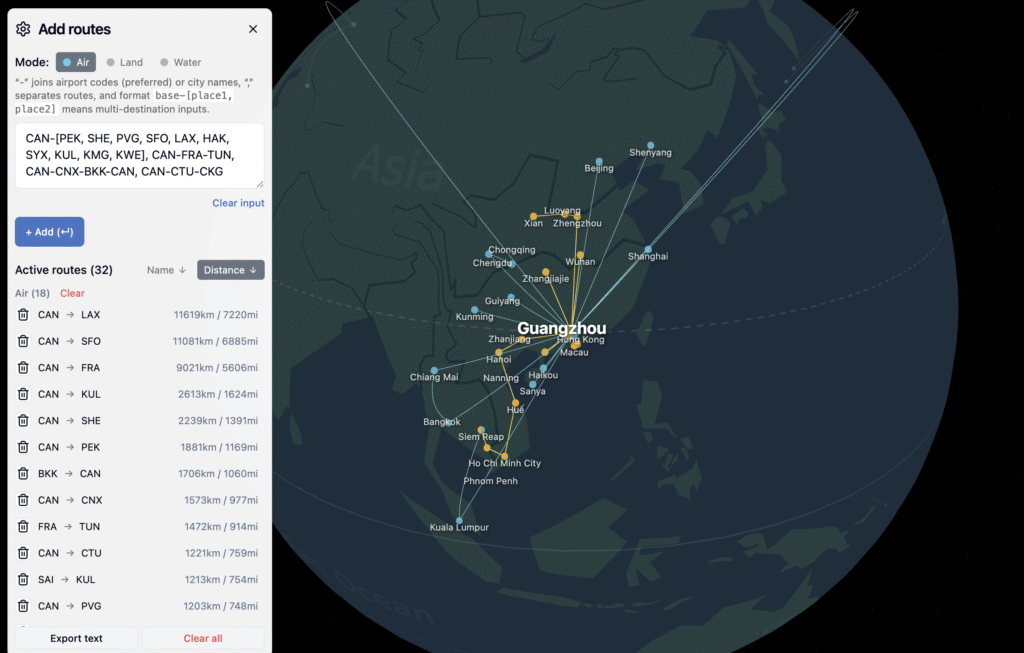
Another unique feature of this tool is that I can rotate all the way to polar views (both Arctic and Antarctic) – something I can’t really do even on Google Maps for some reason. So after I create long-distance or high-latitude routes in GlobeTrotter3D, I can check them from a polar angle with much less distortion (comparing to flat maps). It’s pretty cool to comprehend the world from a different angle.

The default base map is a simplified world view without national borders, but it does include major rivers. It feels like a tool trying to focus more on physical and natural geography. There are still occasional UI updates happening, so maybe they’ll add more natural features in the future, like mountain ranges, ocean currents, or climate zones? Something to look forward to I guess.